Web Dev - JS

Expense Tracker

Keep track of your spending with this expense tracker built using HTML, CSS and JavaScript. I made it in VS Code as a fun way to practise DOM manipulation, arrays and working with localStorage.

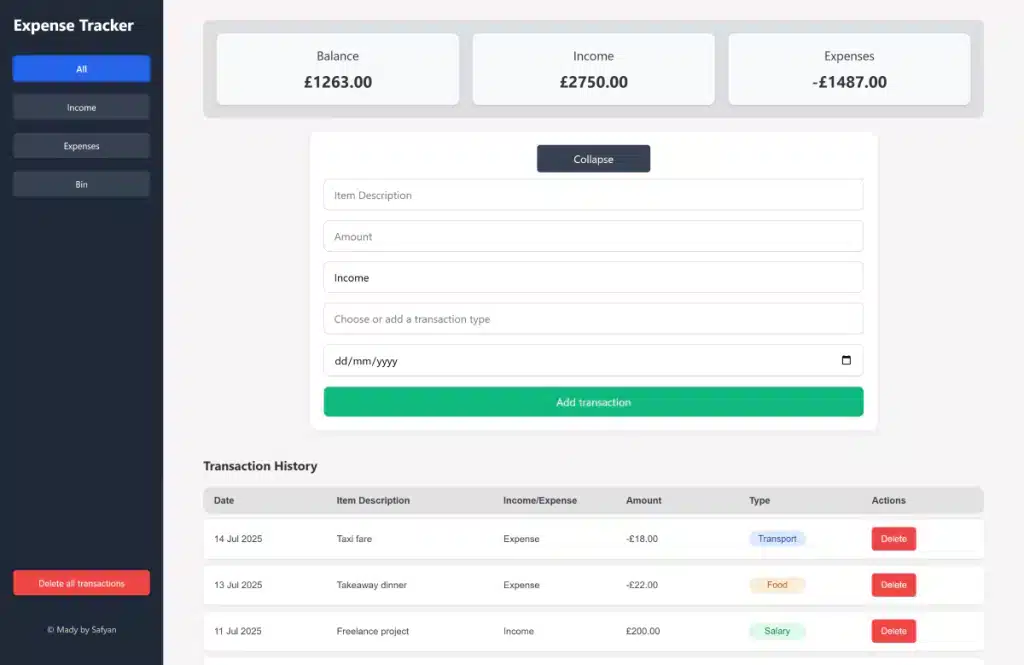
Screenshot of expense tracking website.

Tools used

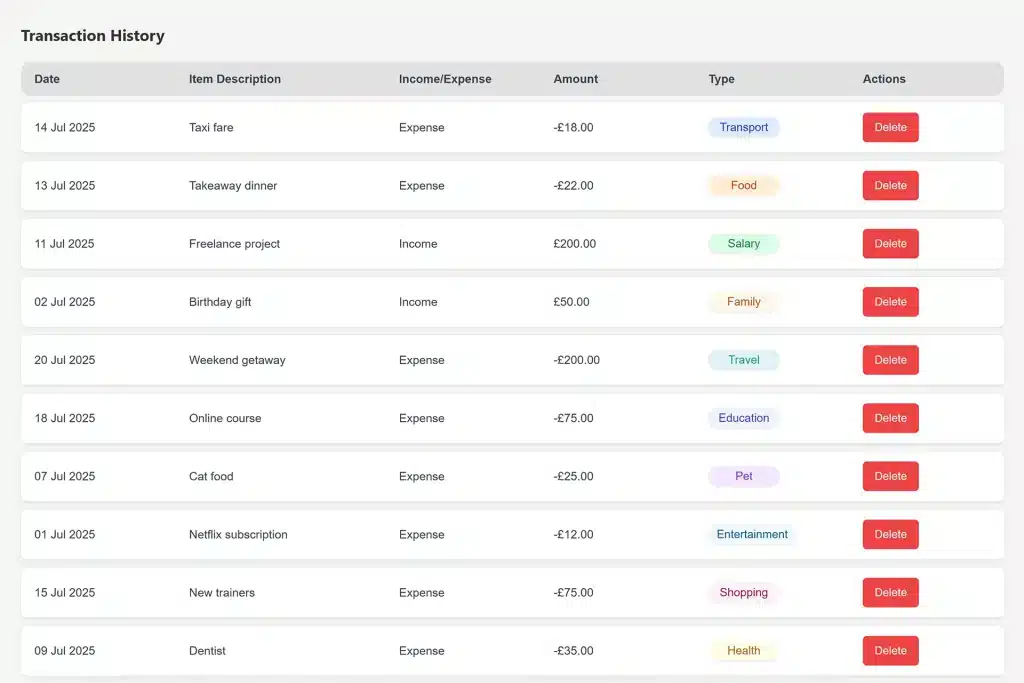
A screenshot showing a list of transaction from expense tracker website.

Functionality overview

The site includes a transaction form that allows users to input a description, amount, transaction type (income or expense), category label, and date. The category input supports both predefined options and custom entries, which are rendered as colour-coded pill-shaped tags for visual categorisation. A date picker is used for selecting transaction dates. The form can be collapsed to reduce visual clutter. A summary section at the top displays the current balance, total income, and total expenses. Users can filter the transaction list to show all entries, only income, or only expenses.

Finance summary

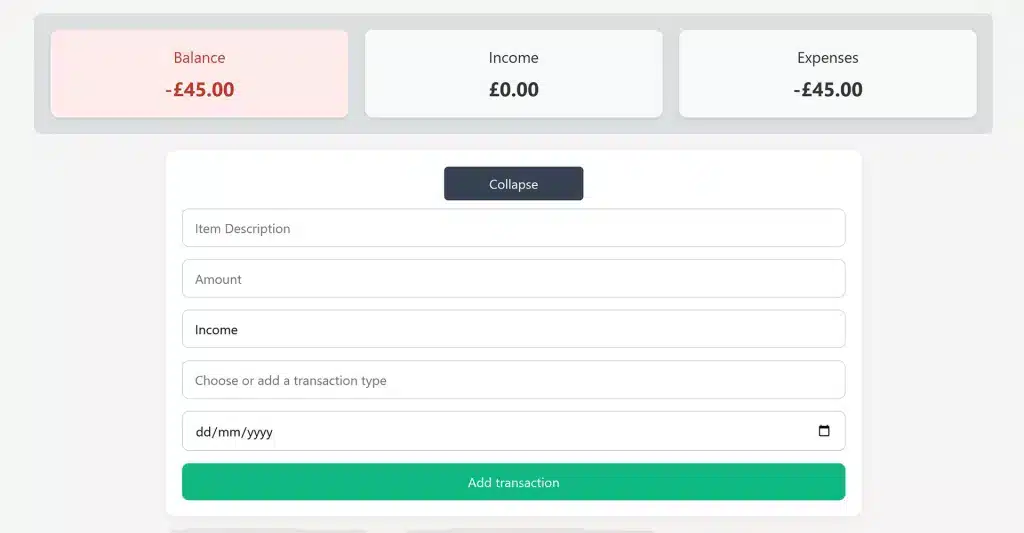
The balance summary at the top gives you a quick snapshot of finances, showing total balance, income, and expenses. If the balance drops below zero, it automatically turns red, giving a clear visual warning that you’ve entered negative territory. It’s a simple but effective way to stay aware of your spending habits at a glance.

A screenshot showing the balance turning red when it has negative funds.
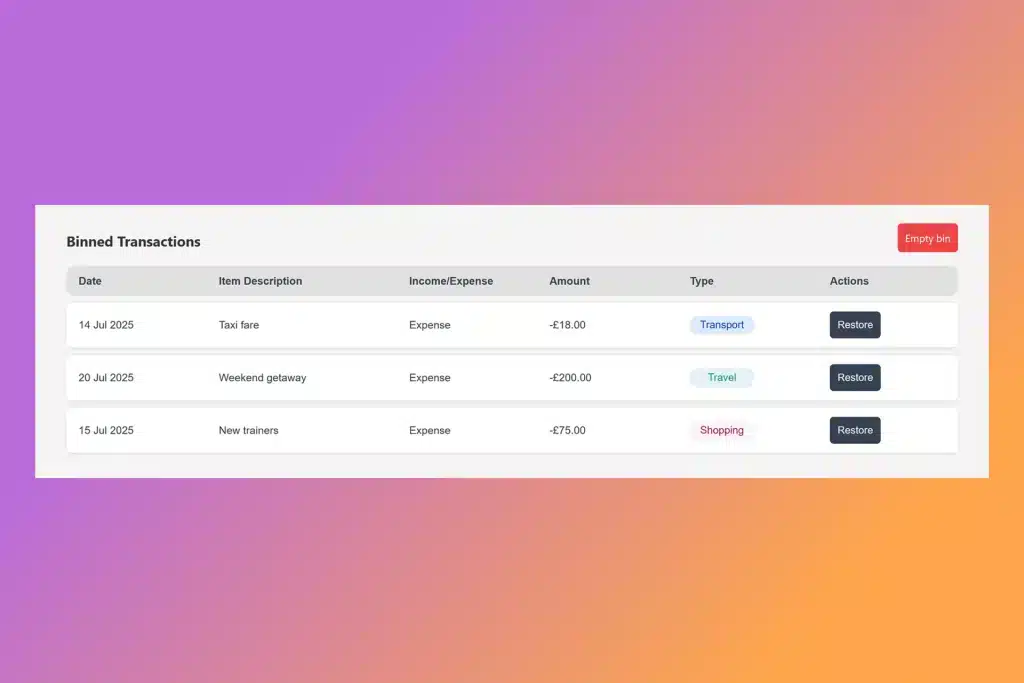
A screenshot showing binned transactions with restore buttons and empty bin button

Soft delete

The delete functionality uses a soft delete approach. When a user deletes a transaction, it is flagged and moved to a separate bin array rather than being removed from the main data structure. The bin is accessible via a filter that displays only soft-deleted items. Each item in the bin can be restored by moving it back to the main transactions array. A “Delete All” function is available for both the bin and the entire dataset. Both actions are gated by confirmation prompts to prevent accidental permanent deletion.

Responsive design

The site is responsive across different screen sizes. On smaller devices, the transactions table is replaced with individual card-style components for each transaction, improving readability and usability on mobile screens. The filter buttons are replaced with a single dropdown menu that uses a sticky position to stay visible as the user scrolls. The dropdown automatically closes after a filter is selected to maintain a clean interface and reduce the need for additional user interaction.

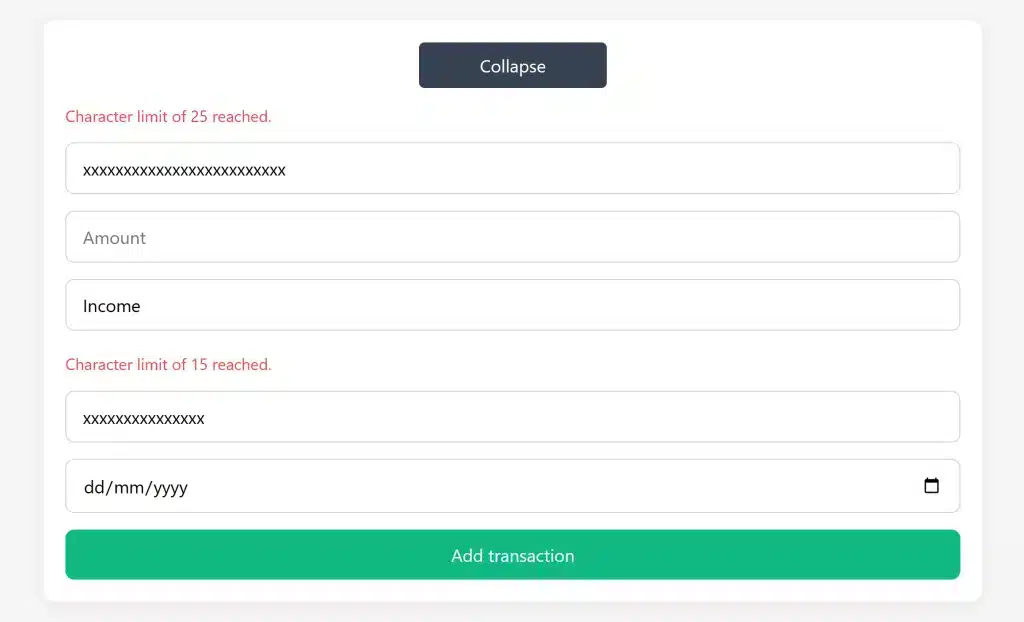
A screenshot showing character limits in input fields for security.

Security

Input sanitisation is implemented to prevent the execution of malicious code. Special characters are escaped in all form inputs to mitigate the risk of script injection. Additionally, character limits are enforced on all input fields for both typed and pasted content, reducing the risk of abuse through excessively long or potentially harmful input strings.